Stemma is a browser-based viewer and editor for GEDCOM files, the format every genealogy program exports. Load a .ged (or JSON/YAML) file, read the tree as a classical chart, a force graph or an orbitable 3D scene, edit people and families, and save it back out. It is a static page with no backend: the file is parsed in the tab and never uploaded.
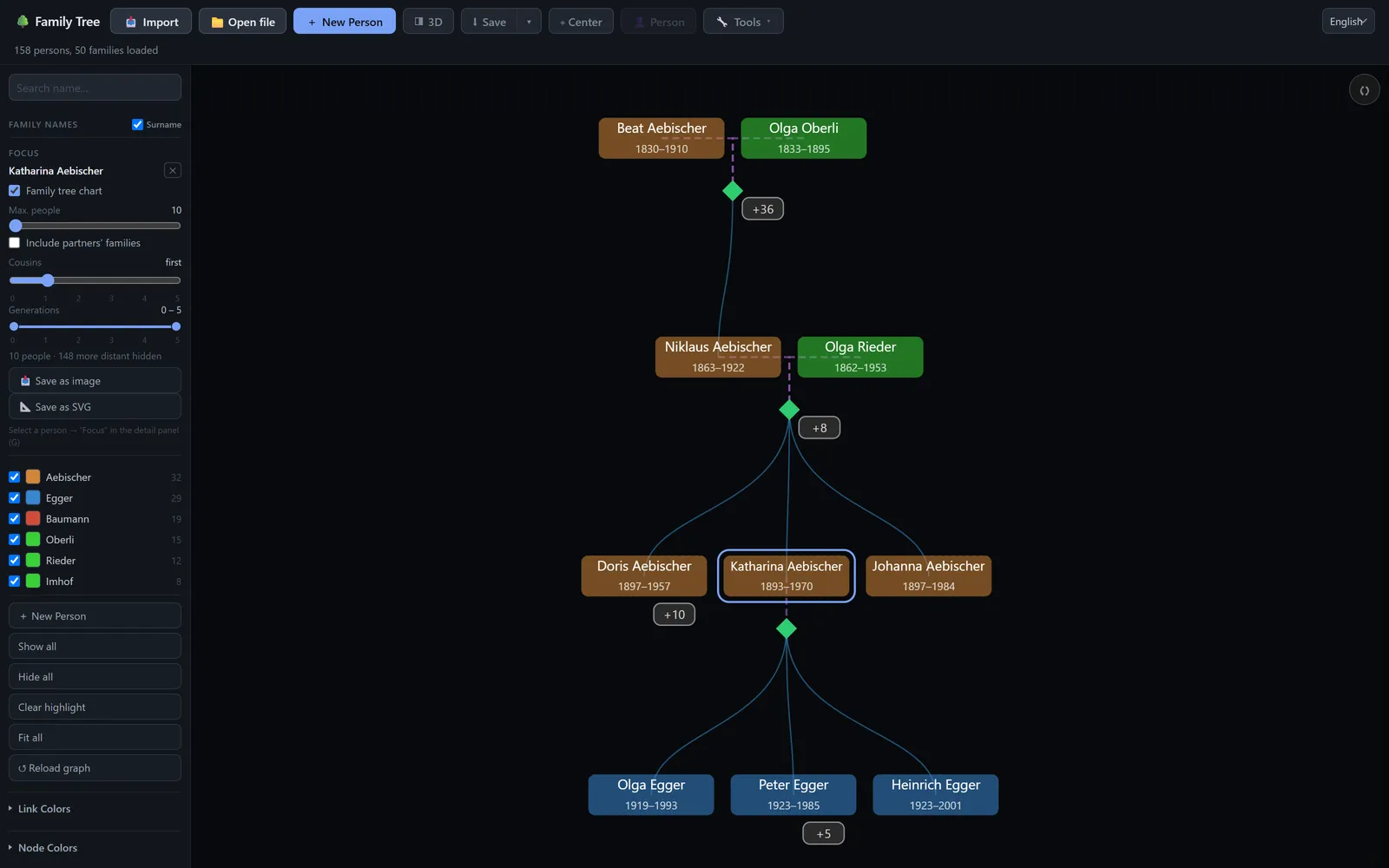
Focus mode: one person plus relatives out to a chosen distance, with a badge counting the relatives folded away behind each link.
Motivation
Our family tree existed as a scanned chart and a PDF, and every desktop genealogy program I tried was too large and complex or needed a license. I wanted to open the file, see the shape of it, and fix the wrong birth year I had just spotted, without any of that. So the whole thing is one static page: open it, drop the file in, and everything happens in the tab.
The tree is also too big to read at once. About 160 people already make a chart nobody can follow, which is why most of the work went into the views: a focus mode that narrows to one person and their relatives, a 3D scene that stacks generations along time, and a map that plays the family moving across a century.
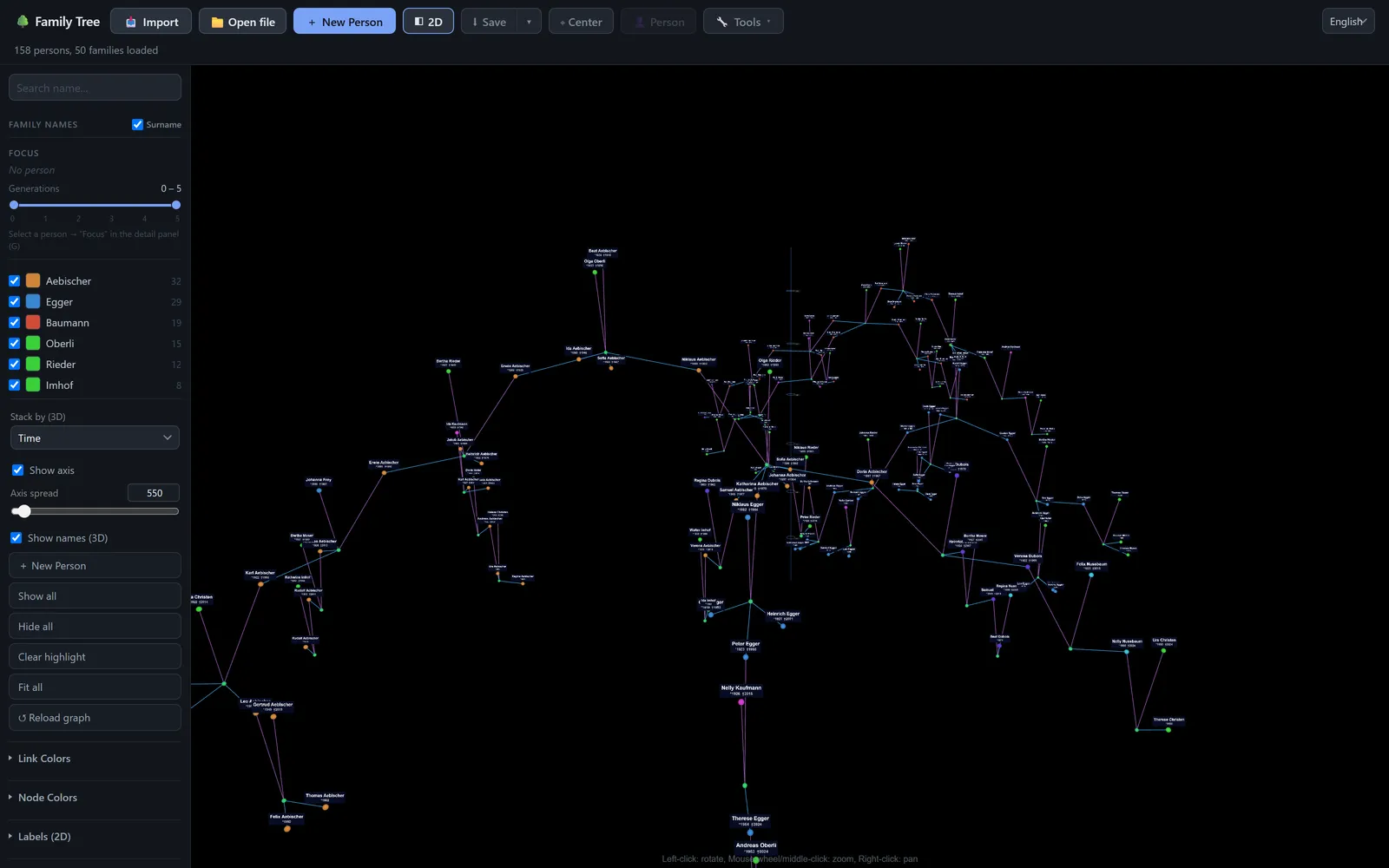
The 3D view stacks people along a time axis and lets you orbit the result. Large trees switch to instanced rendering and a distance cull.
Features
- Three views of the same data: a classical family tree chart, a force graph for when the chart's rows get in the way, and a 3D scene stacked by time or generation that you can orbit
- Focus mode narrows the tree to one person and their relatives out to a chosen distance, with a count of what is hidden behind each link
- The map plots every birth, death and marriage that names a place, with a year range you can sweep to watch the family move. Missing coordinates are looked up one at a time and, once you approve them, written back into the records as
PLAC/MAPsubtrees so the next load needs no lookup at all - Click a person or family to edit it, add parents, spouses and children. A field-level change log tracks everything changed since the file was opened
- You can merge in another GEDCOM, JSON or YAML file with a review step, or parse plain text and scanned charts through OCR
- A statistics panel covers lifespans, ages at marriage, children per family, births per decade, and data coverage, each one clickable down to the people behind it
- In Chromium browsers the last file can be reopened and saved back over in place; everywhere else saving falls back to a download
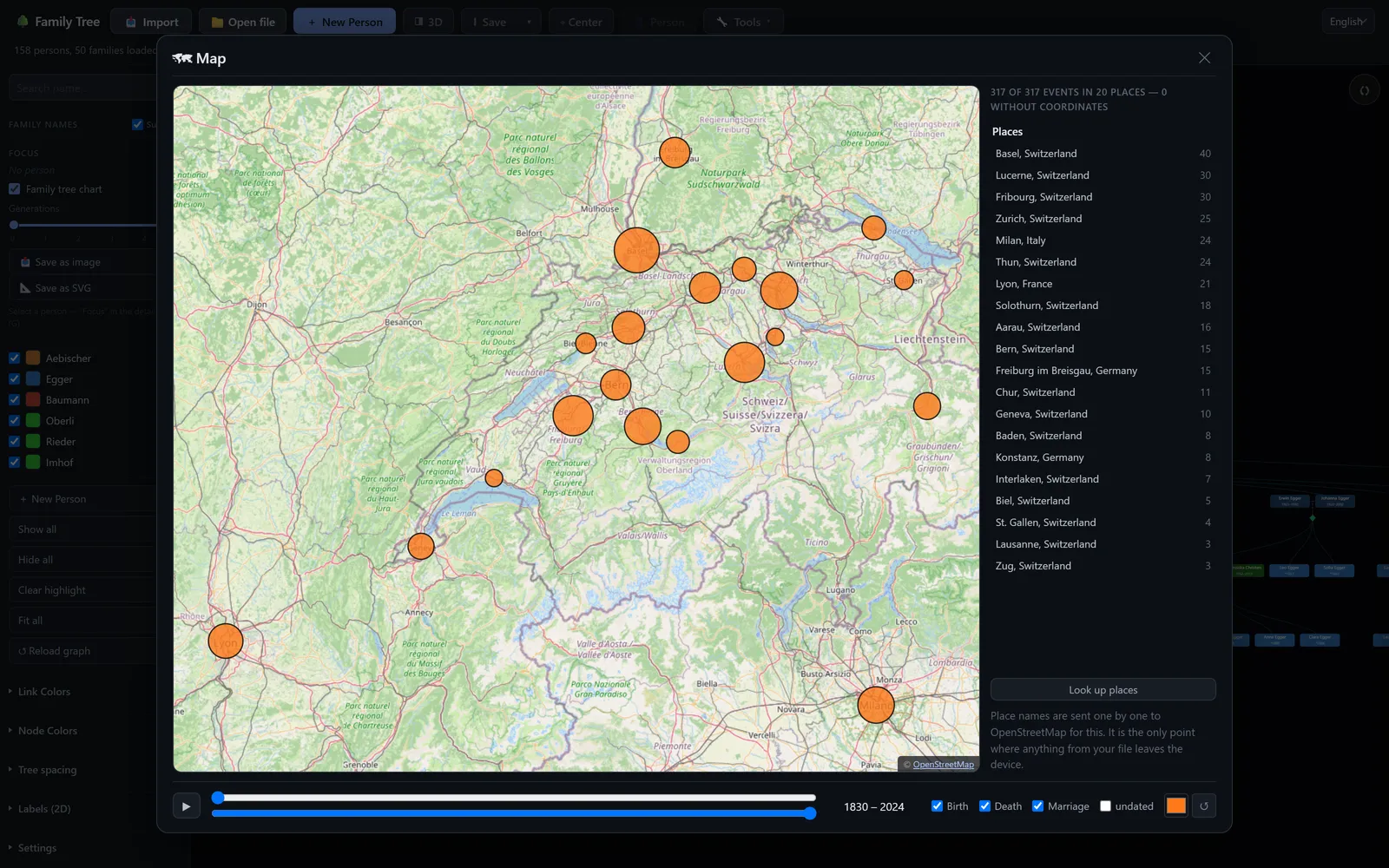
The map: circles sized by event count, a year slider that plays through, and a places list that lets you correct a bad geocode.
Tech Stack
- Vanilla JavaScript as native ES modules, no framework and no build step.
python -m http.serveris the entire toolchain - D3 for the 2D chart and force simulation, three.js and 3d-force-graph for the 3D scene, both vendored so the page has no CDN dependency
- A hand-written GEDCOM parser and serializer that round-trips the lines it does not understand, so saving never silently drops what another program wrote
- OpenStreetMap tiles and Nominatim for the map, Tesseract.js for OCR imports, all opt-in and none of them touched on load
localStoragefor settings and an autosave slot, with every setting declared in one registry that validates stored values against their declared range- Plain Node test suites over jsdom, no framework
There is no database and no session: the file is the state. The parsed tree lives in memory, the change log diffs it against what was loaded, and a save serializes it straight back to GEDCOM. Everything else is a view of that.
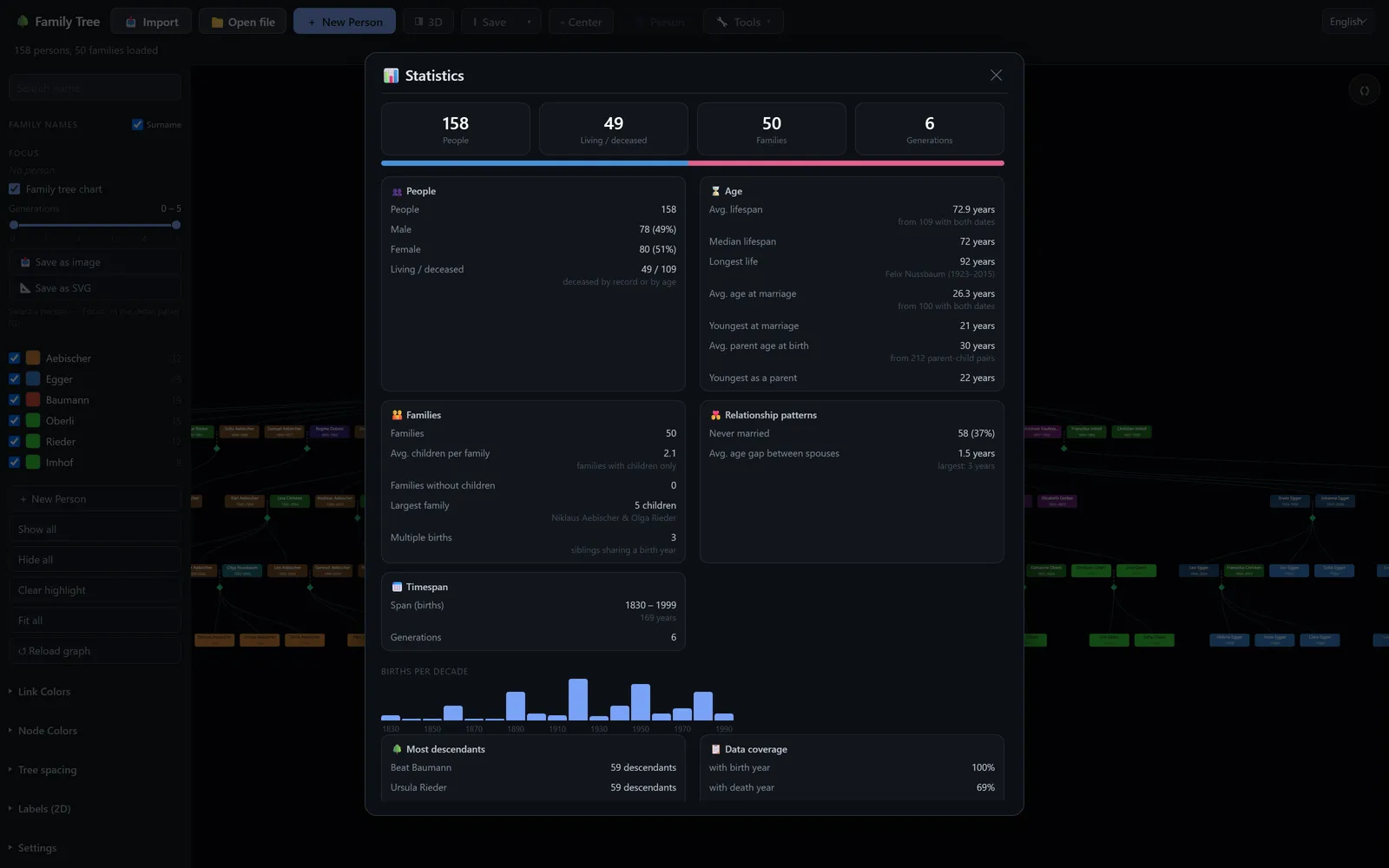
Statistics over the whole tree. Every figure drills down into the list of people it came from.
Links
Stemma runs at stemma.lucafluri.ch; open it and drop a .ged file in. The source code is available on GitHub.